

Introduction
LANDFALL Android spyware exploiting Samsung zero-day CVE-2025-21042 via malicious WhatsApp images has emerged as a severe mobile threat.
Unit 42 discovered the campaign, which used crafted DNG files to achieve zero-click remote code execution.
As a result, affected Samsung Galaxy models can leak microphone audio and location data.
They can also expose photos, contacts, call logs, SMS and browsing history.
Because attackers delivered spyware inside ordinary-looking WhatsApp images, many infections went unnoticed for months.
This article lays out the evidence uncovered by Unit 42, lists indicators of compromise, and explains the exploit mechanics.
We will examine the vulnerable libimagecodec.quram.so library and the Bridge Head loader.
We also detail b.so C2 behavior and DNG artifacts that indicate compromise.
Therefore, readers will gain practical detection steps, patching guidance, and hardening advice to reduce risk.
Read on to learn how to spot these malicious images, respond to suspected infections, and protect Samsung users.
The following sections provide actionable detection and mitigation steps.
We focus on practical, deployable defenses for enterprises and individuals.
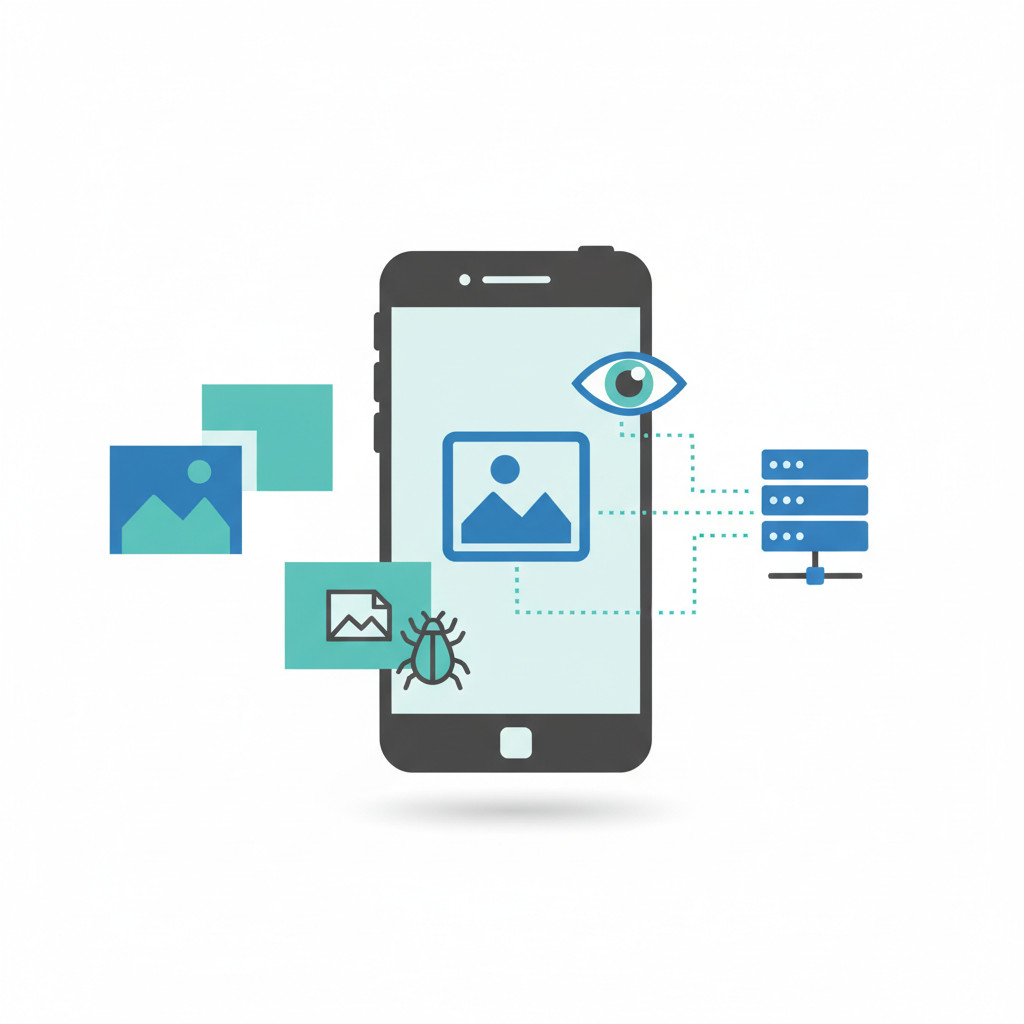
How LANDFALL Android spyware exploiting Samsung zero-day CVE-2025-21042 via malicious WhatsApp images works
LANDFALL exploited an out-of-bounds write in Samsung’s image codec. Unit 42 found attackers used specially crafted DNG image files. They delivered those files via WhatsApp so victims did not need to open anything. When the DNG is parsed by libimagecodec.quram.so, the flaw can lead to zero-click remote code execution. For the Unit 42 technical write-up and indicators see here. Vulnerability metadata is available at NVD: here. Samsung released a patch in April 2025: here.
LANDFALL Android spyware exploiting Samsung zero-day CVE-2025-21042 via malicious WhatsApp images infection chain
Attackers wrapped spyware components inside a ZIP archive. They then embedded that archive inside DNG image structures. As a result, the phone’s image parser extracts and executes code without user interaction. The campaign used file names that mimic WhatsApp photos. For example, ‘WhatsApp Image 2025-02-10 at 4.54.17 PM.jpeg’ appears in Unit 42 artifacts.
LANDFALL Android spyware exploiting Samsung zero-day CVE-2025-21042 via malicious WhatsApp images technical behavior
Key technical behavior and impact
- Zero-click exploitation via crafted DNG images parsed by
libimagecodec.quram.so - Loader named Bridge Head unpacks payloads and maintains persistence
- b.so module communicates with command and control over HTTPS on ephemeral ports
- Exfiltration of microphone audio, photos, contacts, call logs, SMS and browsing history
- Call interception and real-time location tracking
- Evasion checks to detect debuggers, sandboxes and analysis environments
- Multiple DNG samples were uploaded to VirusTotal between July 2024 and February 2025
Because the exploit ran silently, detection relied on network and artifact indicators. Therefore, defenders should monitor unusual HTTPS connections, check for unknown native libraries, and apply Samsung patches immediately.
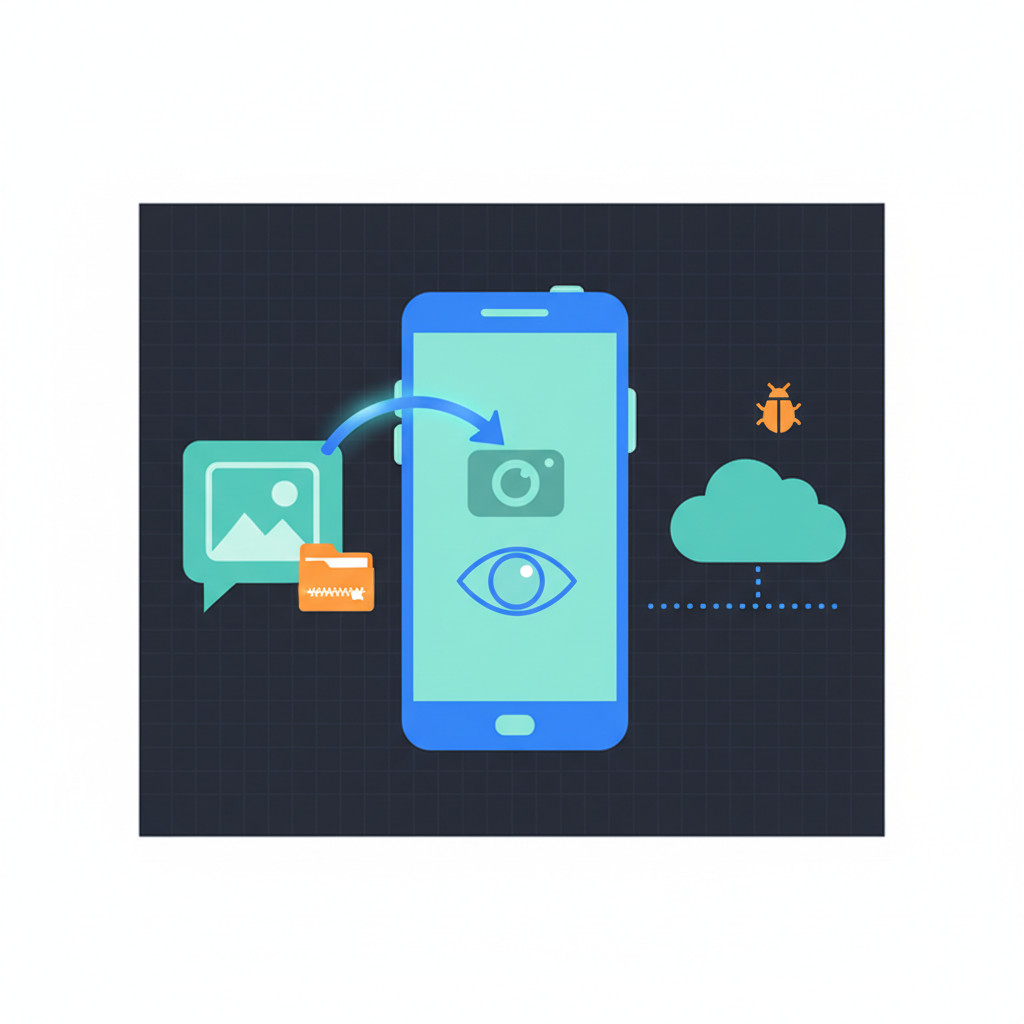
Real-world cases and vendor responses for LANDFALL Android spyware exploiting Samsung zero-day CVE-2025-21042
Unit 42 and several security outlets documented real incidents linked to LANDFALL. Unit 42 notes samples appeared in public repositories between July 2024 and February 2025. As a result, researchers concluded the campaign operated for months before public disclosure. Unit 42 warned that “the LANDFALL spyware components suggest advanced capabilities for stealth, persistence and comprehensive data collection from modern Samsung devices.” For full technical details, see the Unit 42 report.
Samsung and WhatsApp responses
- Samsung issued security updates addressing the vulnerable libimagecodec.quram.so library. The patch for CVE-2025-21042 arrived in April 2025. Users should apply Samsung security updates immediately. See Samsung security notices.
- WhatsApp responded to related zero-click concerns and released fixes for messaging-layer flaws. For background on messaging-layer zero-click patches, see the TechRadar coverage.
Observed cases and impact
- Targets included Galaxy S22, S23 and S24 models, plus select Z series devices.
- Attackers used DNG images with embedded ZIP archives to deliver Bridge Head and payload modules.
- Capabilities included microphone capture, call interception and location tracking.
Expert perspective and statistics
Unit 42 stressed stealth and longevity, noting samples existed in public repositories for an extended period. They wrote, “From the initial appearance of samples in July 2024, this activity highlights how sophisticated exploits can remain in public repositories for an extended period before being fully understood.”
Public infection counts remain undisclosed. Therefore, no reliable statistics on total affected users are available.
Recommended immediate actions for users
- Update Samsung firmware and apply April 2025 patches.
- Disable auto media download in WhatsApp and similar apps.
- Scan devices with reputable mobile threat detection and endpoint tools.
- Monitor for unusual HTTPS connections to unknown hosts.
- If compromise is suspected, back up critical data and perform a factory reset.
Timeline at a glance
| Event | Date | Notes |
|---|---|---|
| Campaign activity begins | Mid 2024 | LANDFALL activity appears in public repositories |
| DNG samples observed on VirusTotal | July 2024 to February 2025 | Six samples uploaded across this period |
| Public Unit 42 report | 2025 | Technical disclosure and indicators: Unit 42 report |
| Samsung patch for CVE-2025-21042 | April 2025 | Security update for affected Galaxy devices: Samsung security notices |
| Additional Samsung patch CVE-2025-21043 | September 2025 | Further hardening of image parsing libraries |
For further reading consult the NVD entry for CVE-2025-21042, and a regional report on the campaign at Cyber Press.
Timeline: LANDFALL Android spyware exploiting Samsung zero-day CVE-2025-21042
| Event Description (LANDFALL / CVE-2025-21042) | Date | Impact (Devices and privacy) | Actions Taken (Vendor fixes and user guidance) |
|---|---|---|---|
| Campaign activity begins – LANDFALL observed | Mid 2024 | Stealthy targeting of Samsung Galaxy devices in the Middle East. Potential data collection risk | Researchers began tracking activity and sharing artifacts with the community |
| Malicious DNG samples uploaded to VirusTotal | July 2024 to February 2025 | Six samples reveal embedded ZIP archives and exploit artifacts | Unit 42 analysis published details: View Analysis |
| Vulnerability registered (CVE-2025-21042) | 2025 | Out-of-bounds write in Samsung libimagecodec.quram.so enables zero-click RCE | Vulnerability entry and details: View Details |
| Samsung releases patch for CVE-2025-21042 | April 2025 | Patch mitigates the image parsing flaw; reduces exposure for affected models | Apply Samsung security update immediately: Update Now |
| WhatsApp and other vendors issue related fixes | 2025 | Messaging-layer risks addressed to lower attack surface | WhatsApp guidance and reporting covered in media: Read More |
| Additional Samsung hardening (CVE-2025-21043) | September 2025 | Further fixes to image codecs and parsing | Update devices to receive September 2025 security updates |
| Public reporting and regional investigations | 2025 | Campaign linked to targeted espionage in the Middle East | Regional coverage: Read Coverage |
Use this table for quick reference. Therefore, update devices, disable auto media download, and monitor for unknown network activity.
Conclusion
LANDFALL Android spyware exploiting Samsung zero day CVE-2025-21042 via malicious WhatsApp images demonstrates how ordinary media can enable deep espionage. Unit 42 showed the campaign could run silently and collect audio, messages, photos and location data. Because attackers used crafted DNG files and zero-click execution, victims often never saw signs of compromise. As a result, device owners and security teams must treat image files as potential attack vectors.
To reduce risk apply Samsung security updates and follow messaging hygiene. Disable automatic media downloads in chat apps, enable mobile threat detection, and monitor for unusual network traffic. If you suspect compromise backup important data and reimage or factory reset the device.
Finally technology also offers defensive value. For businesses seeking practical innovation, Velocity Plugins produces AI-driven plugins for WooCommerce that increase conversions and reduce support costs. Their tools show how applied intelligence can streamline operations while lowering overhead.
Stay vigilant and patch promptly because attackers will reuse similar techniques. With timely updates and layered defenses you can significantly lower the threat.
Frequently Asked Questions (FAQs)
What is LANDFALL and how did it exploit CVE-2025-21042?
LANDFALL is an Android spyware campaign discovered by Unit 42. It abused an out-of-bounds write in Samsung’s libimagecodec.quram.so. As a result crafted DNG images triggered zero-click remote code execution. Therefore attackers could install a loader called Bridge Head and follow-on modules without user interaction.
Which Samsung devices were affected by the LANDFALL exploit?
Affected models include Galaxy S22, S23 and S24 series. Fold and Flip devices such as Z Fold4 and Z Flip4 were also targeted. However newer or fully patched devices received fixes from Samsung in April 2025. Therefore ensure your specific model shows the April 2025 or later security update.
Can I be infected simply by receiving a WhatsApp image?
Yes, LANDFALL used images appearing like normal WhatsApp photos. The exploit could run during image parsing, so opening the chat was often unnecessary. Because auto media downloads increase risk, disable that feature in WhatsApp and similar apps to reduce exposure.
What signs should I look for if I suspect infection?
Look for unusual battery drain or overheating, although these signs can be subtle. Check for unexplained data usage and odd HTTPS connections to unknown hosts. Also inspect for unfamiliar native libraries or apps, and unexpected microphone or camera access prompts. If you see several of these signs together, the device could be compromised.
What practical steps should I take if I suspect compromise?
First, update your device to the latest Samsung security patch. Next, back up essential data to a trusted location. Then perform a factory reset or reimage the device to remove persistent native components. Finally, change passwords, enable multi-factor authentication and notify contacts if sensitive data may have leaked.


